LOUIS WU

Routeo

From a little inspiration
to a journey that feels like you.
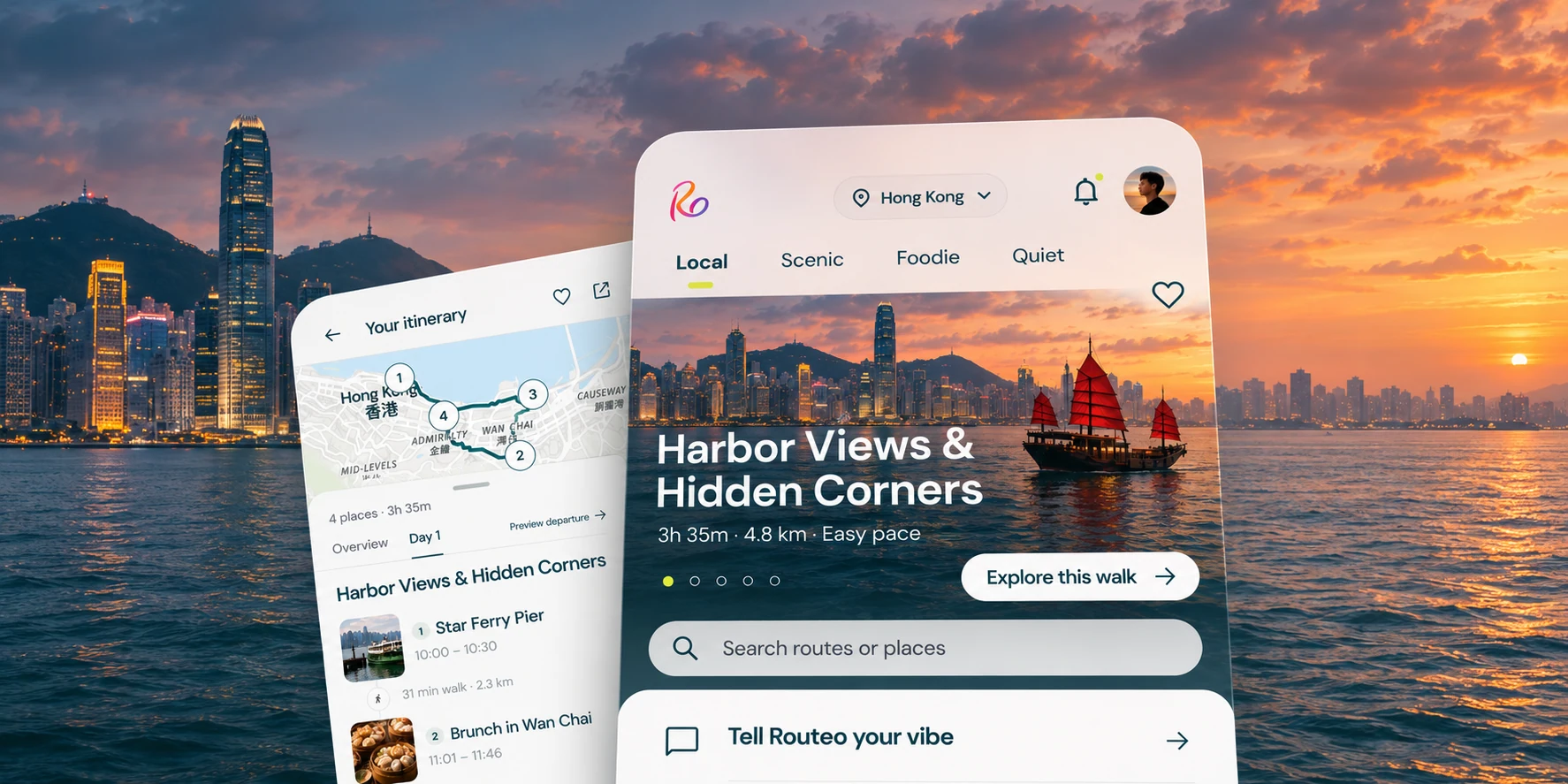
Routeo’s Discover and itinerary screens over Victoria Harbour at sunset.

Travel is personal.
Planning should be, too.

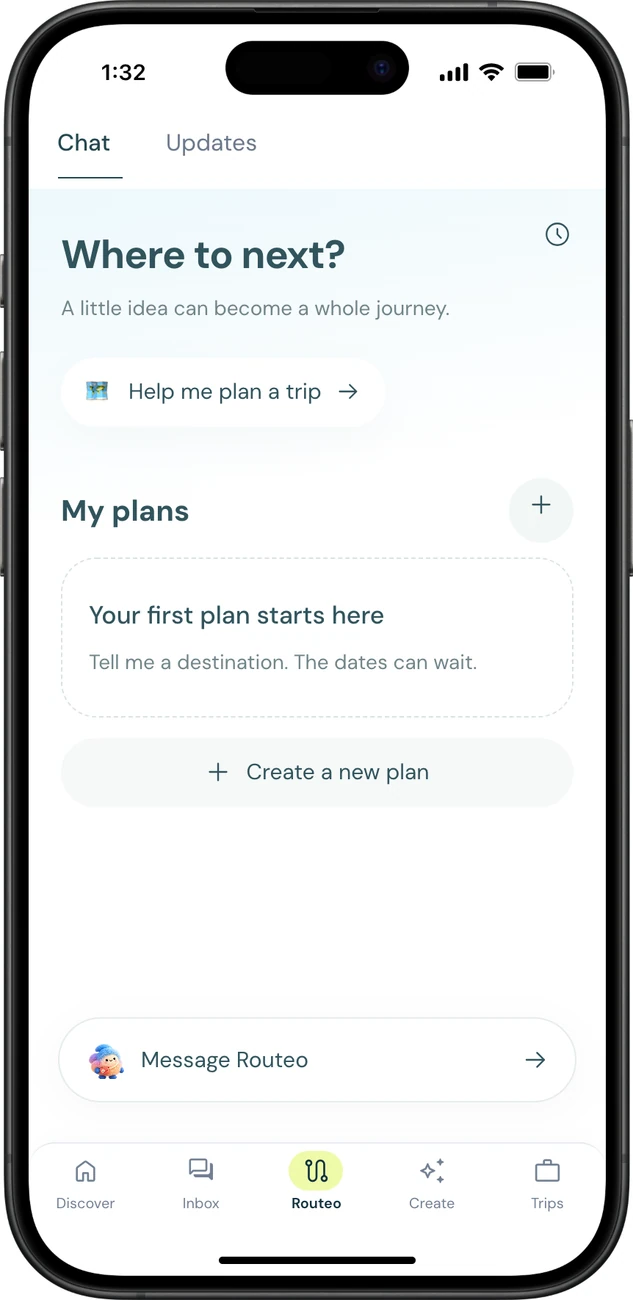
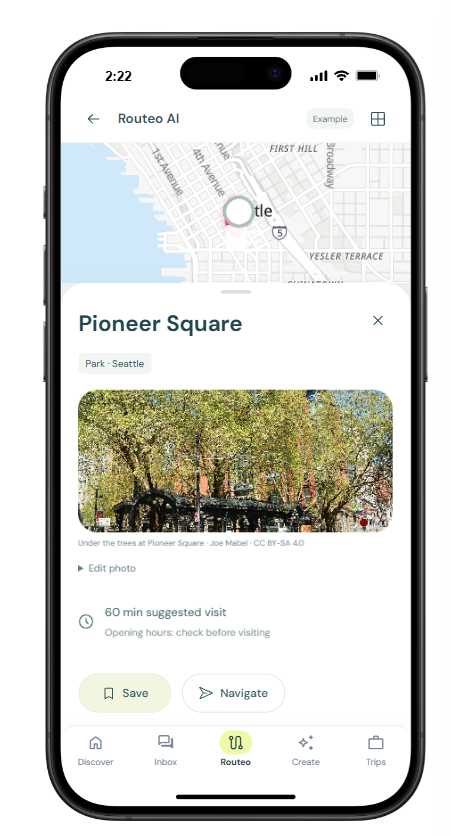
I designed Routeo as a mobile prototype for the moment a saved place becomes a real plan. Pick a spot, find a few stops nearby, and keep a record of the day.

Open the interactive app


The Routeo app on a phone home screen.

Who travels with Routeo?

A weekend planner might start with a saved café. Friends can build a day around it, a solo explorer can change course along the way, and a journal keeper can bring the route home.

A traveller studies a folded map beside sunlit stone steps.
Weekend
planners
Two friends compare directions on a phone.
Travel
partners
A traveller writes in his notebook by the river.
Journal
keepers
A solo traveller takes in the city from a hilltop.
Solo explorers

From a place to a plan.

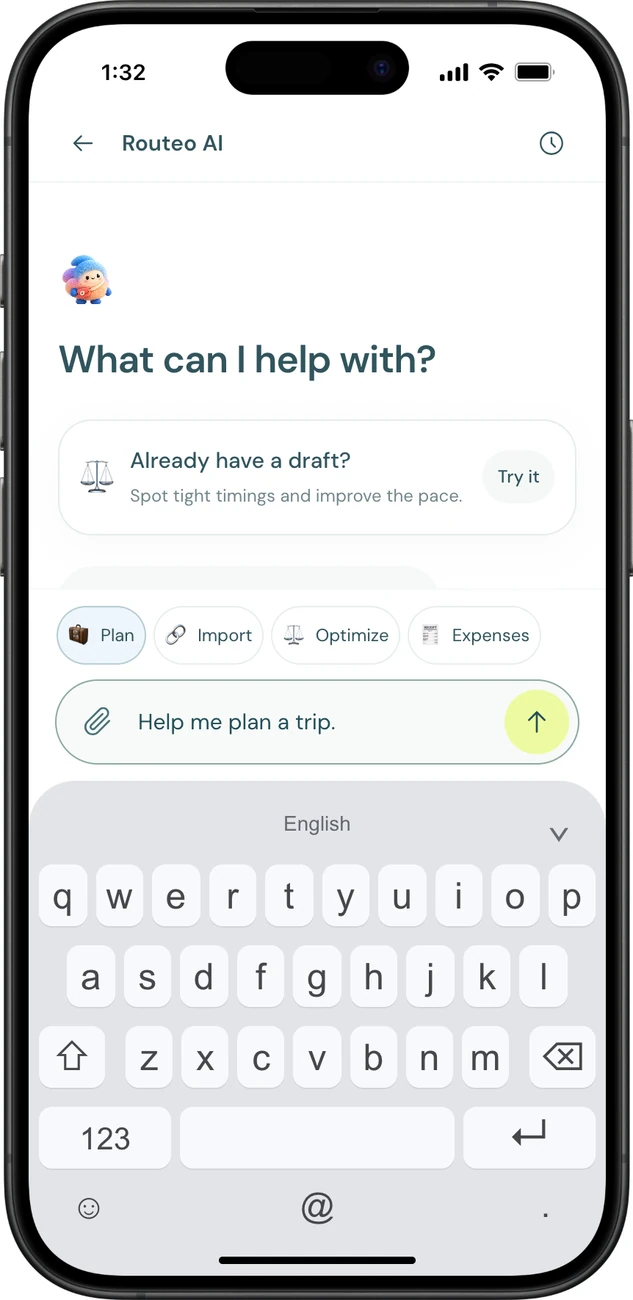
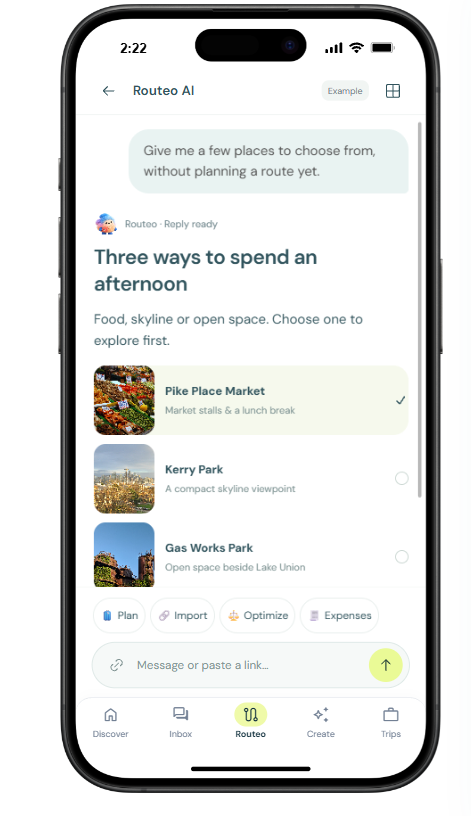
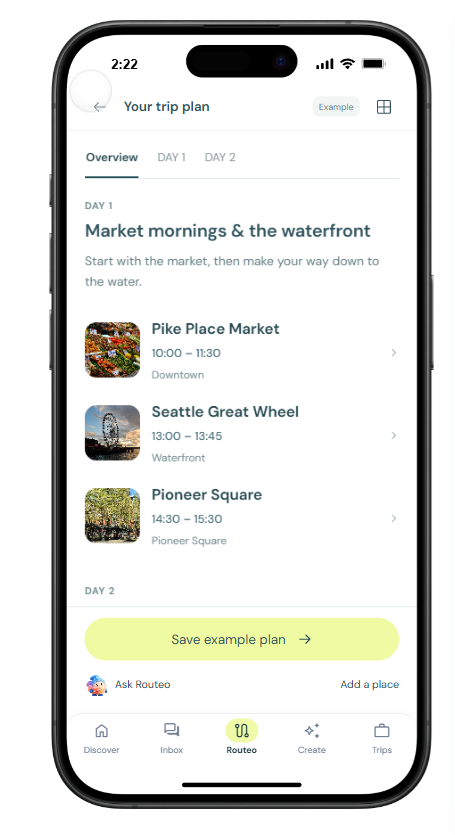
Browse a harbour walk, tell Routeo AI where you want to go, or open a day’s itinerary to see the stops in order.
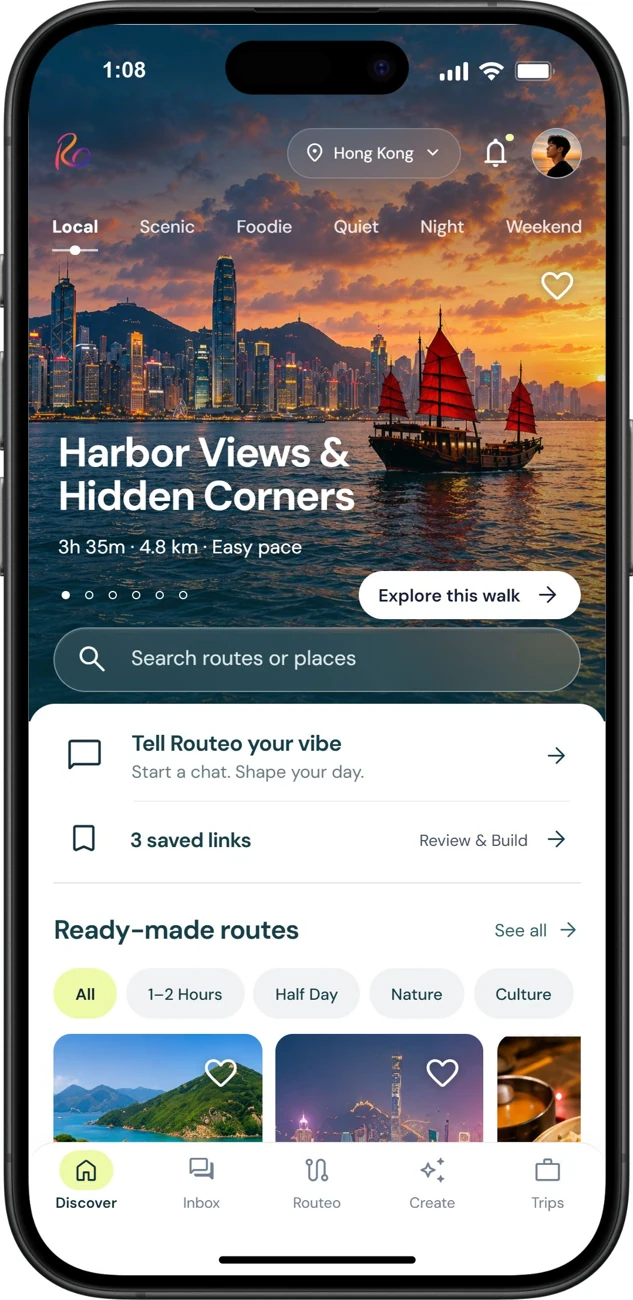
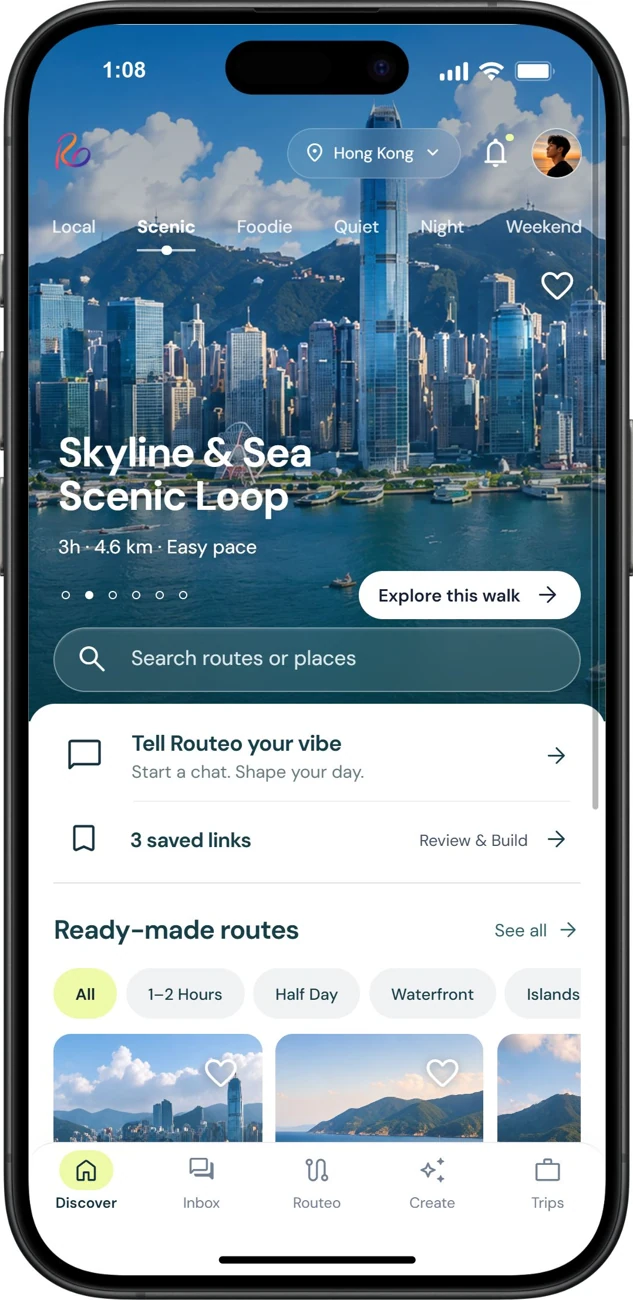
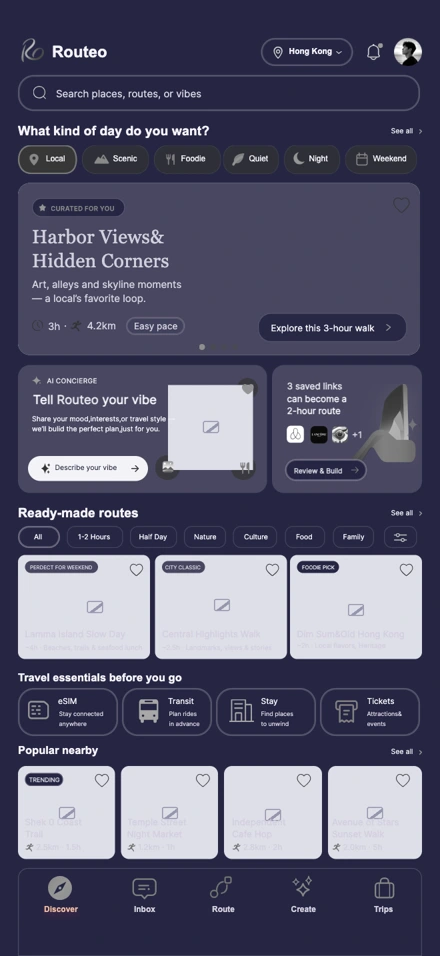
Browse harbour walks by mood. A swipe moves from Local to Scenic.
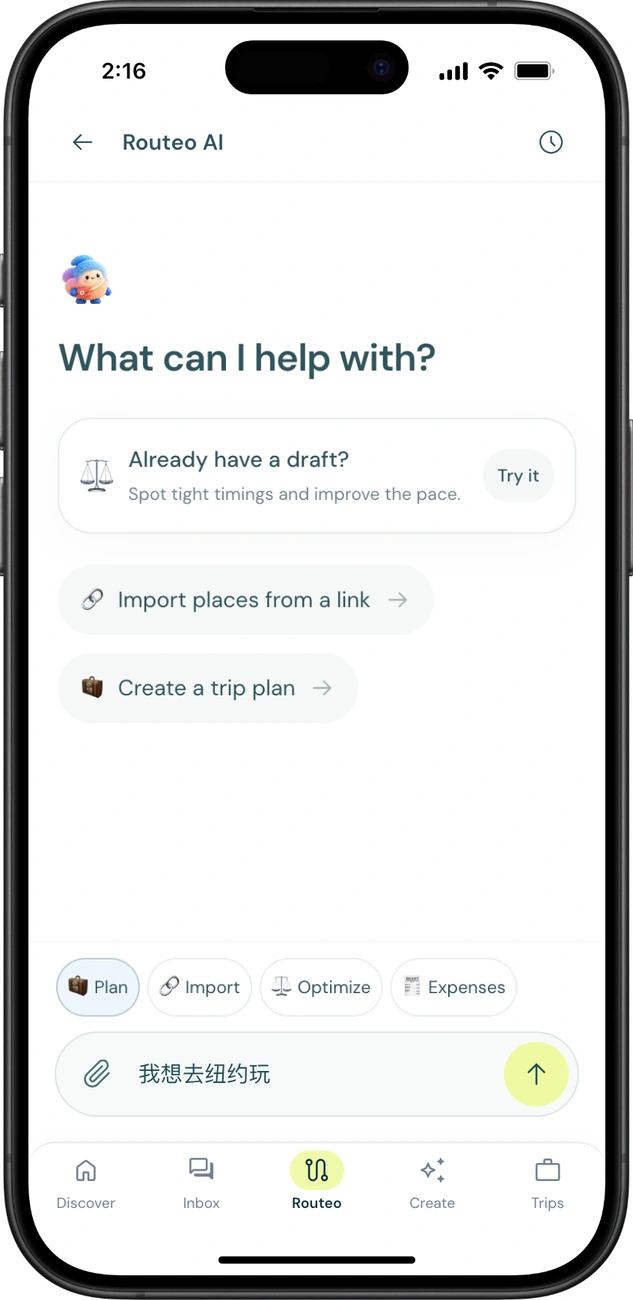
Routeo AI home with “我想去纽约玩” typed into the trip planner.
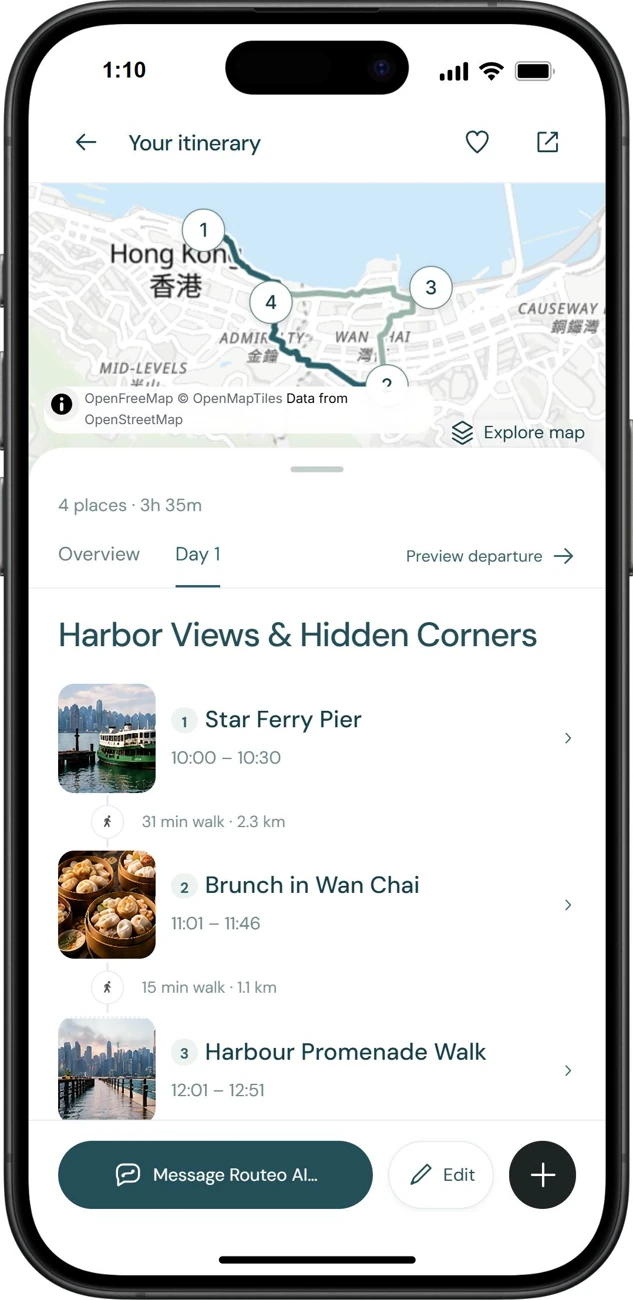
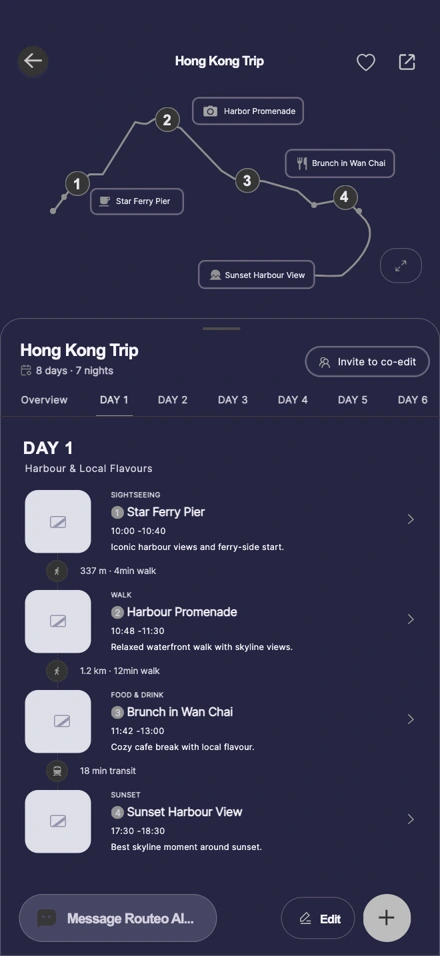
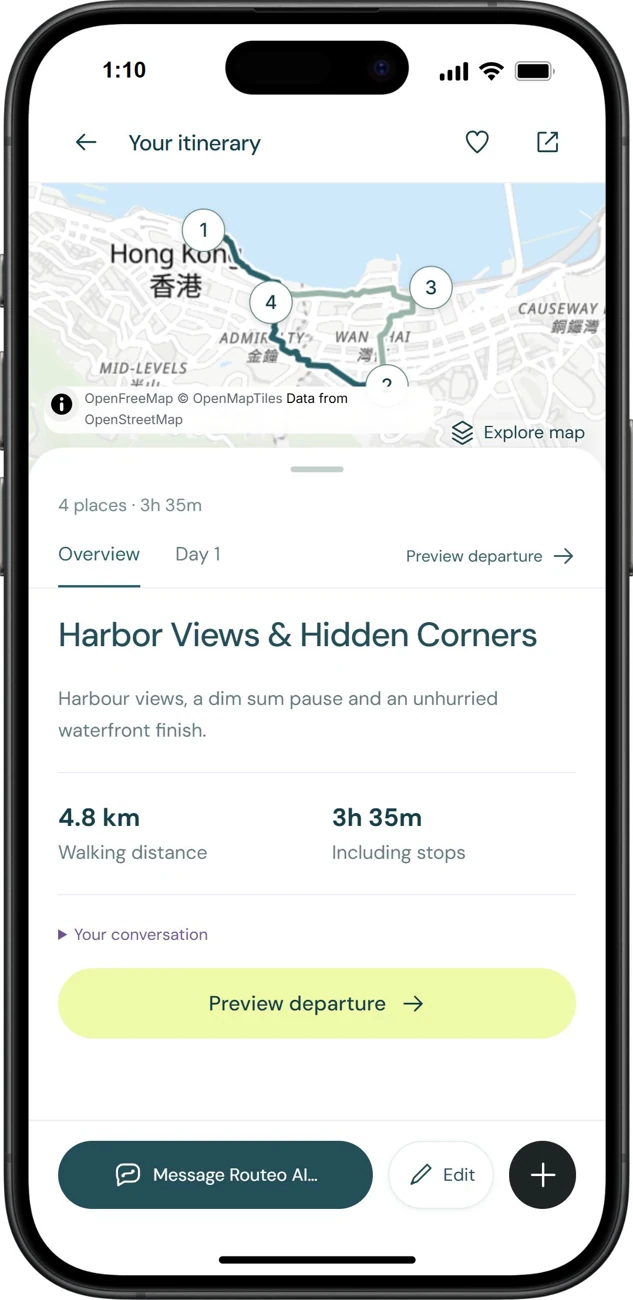
Day one on the harbour, with a map, the order of stops and walking times.

Journey mapping.

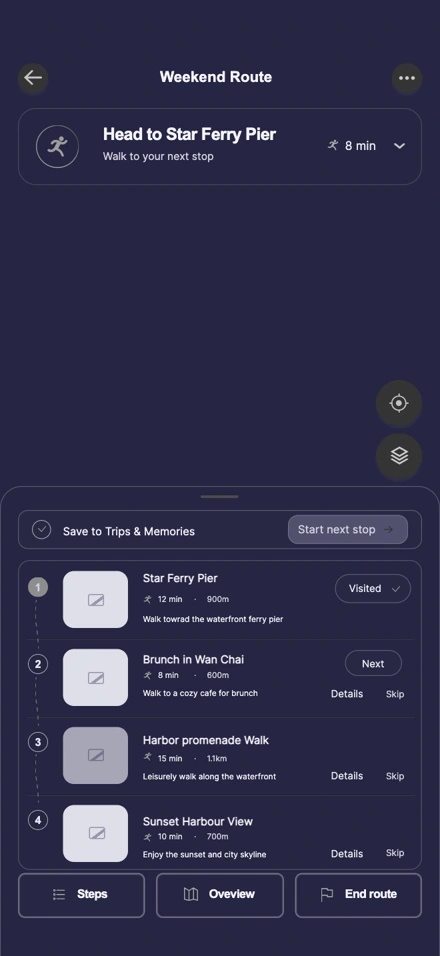
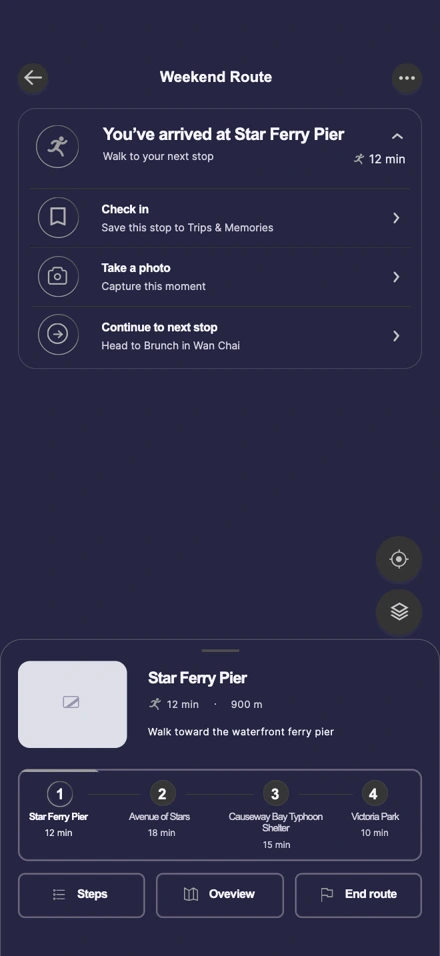
A Hong Kong weekend takes shape one decision at a time. Follow a saved list through route planning, a lunch swap and a check-in at Star Ferry Pier.

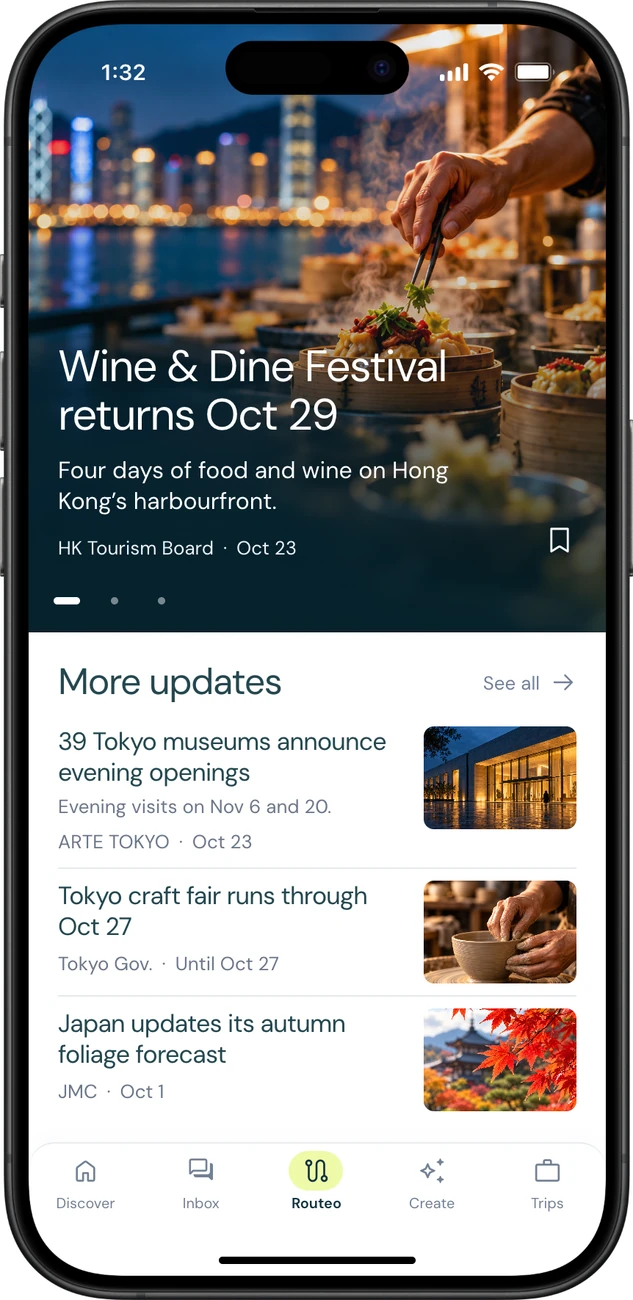
  1. DiscoverBrowse six moods, ready-made walks, travel essentials and nearby places on the Hong Kong home screen.
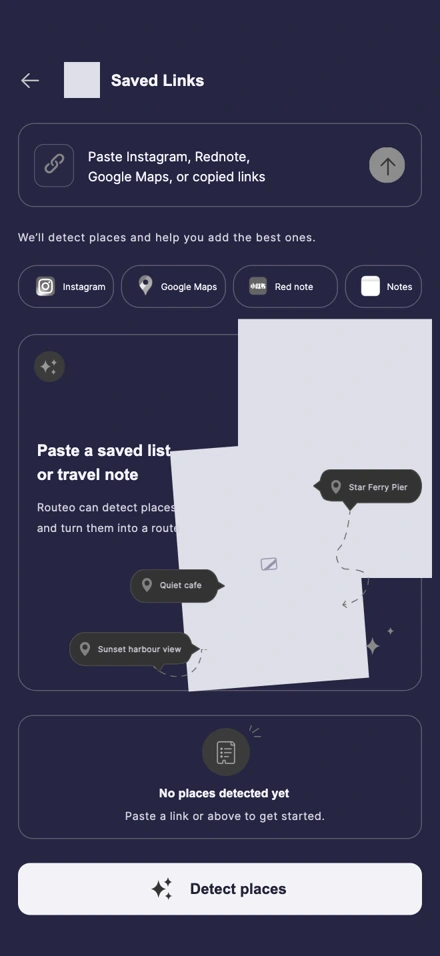
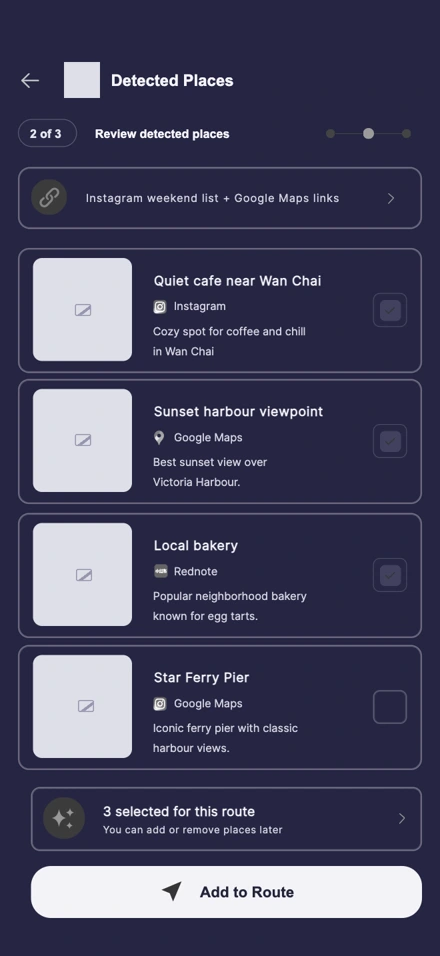
  2. Import linksPaste places from Instagram, Rednote or Google Maps, or enter a travel note for Routeo to scan.
  3. Review placesReview the matched places and their sources, choose which to keep, then add the selection to the route.
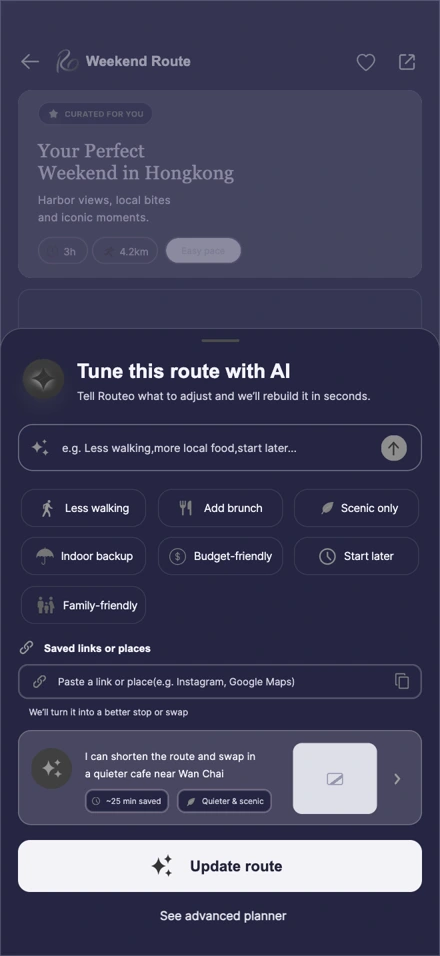
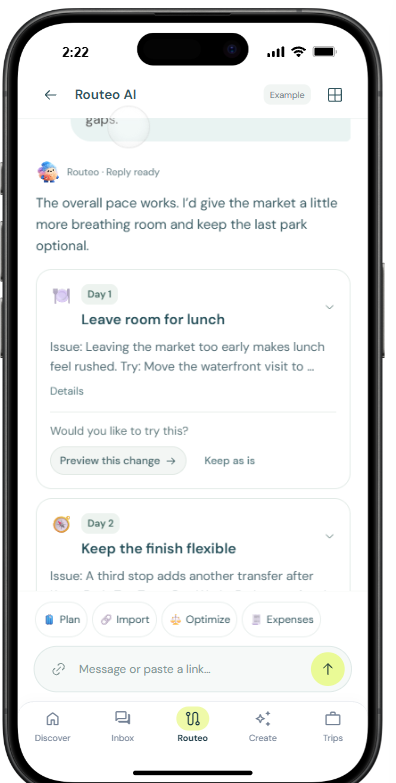
  4. Tune with AIAdjust walking distance, timing or food preferences. The proposal shows the effect on the route before it is updated.
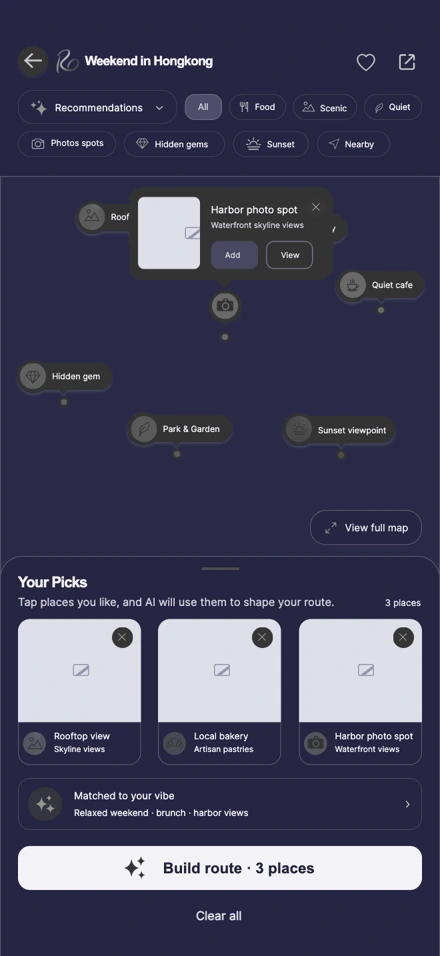
  5. Mark the mapCompare recommendations with your picks. Open a map marker to inspect the waterfront spot and decide whether to add it.
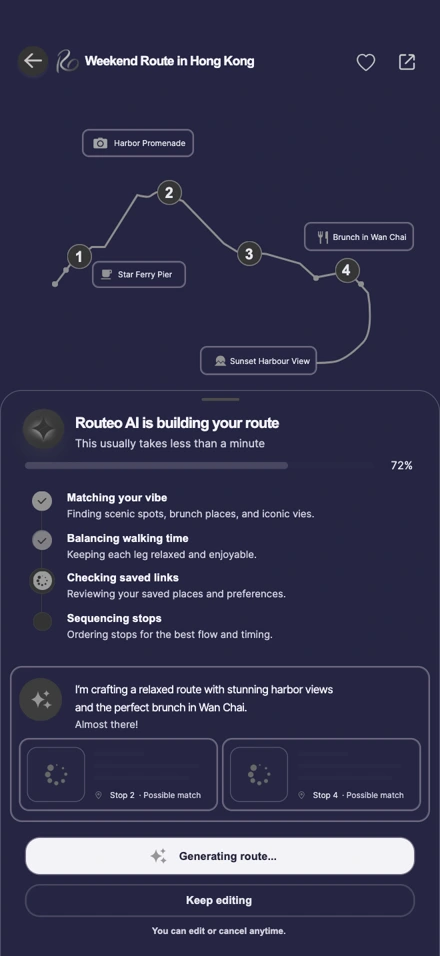
  6. Build the routeFollow four generation checks: match the mood, balance walking time, check saved links and put the stops in order.
  7. Inspect day oneRead the four stops in order, with visit windows, walking distances and transit time between them.
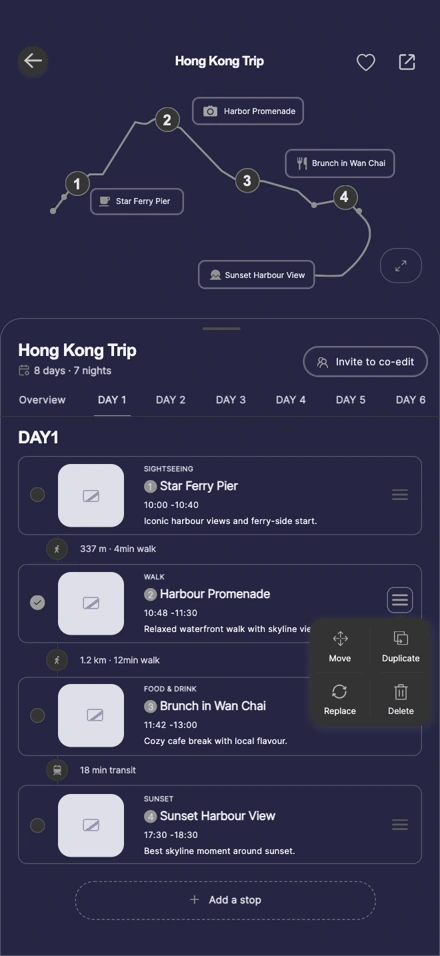
  1. Edit the stopsOpen day one in edit mode to change the sequence or add another stop to the itinerary.
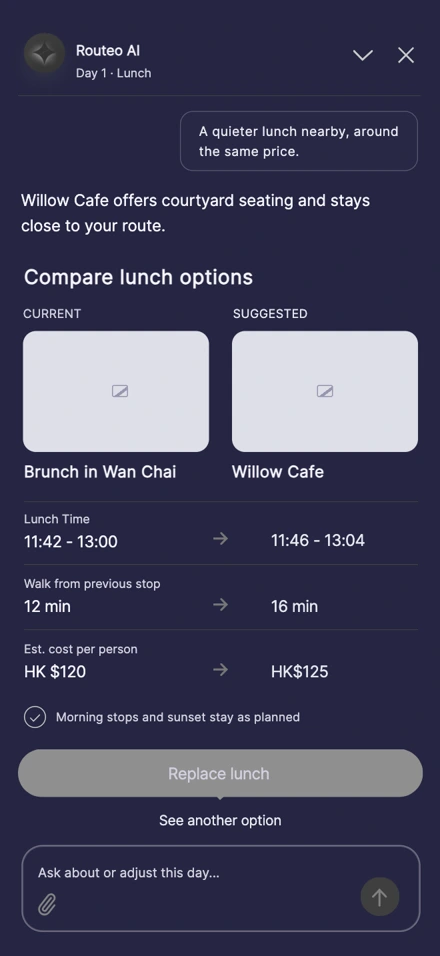
  2. Compare lunchCompare the Wan Chai brunch with Willow Cafe by lunchtime, walk from the previous stop and estimated cost per person.
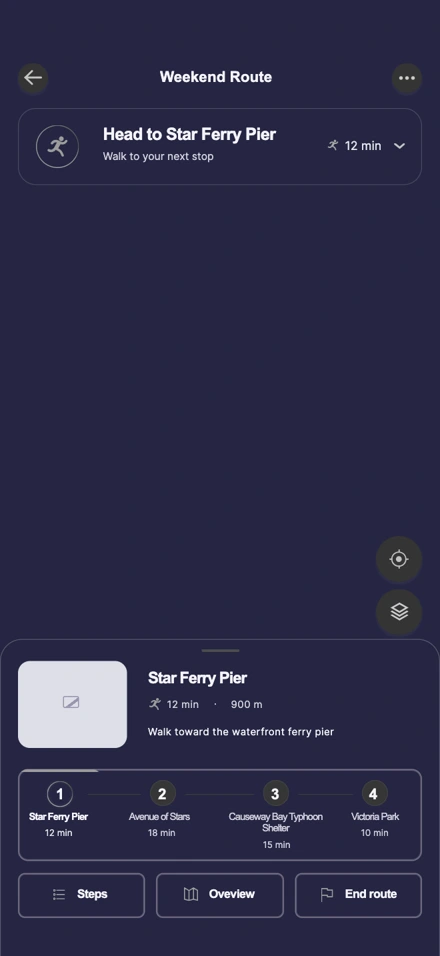
  3. Start walkingUse the route overview to find the first stop. Star Ferry Pier is a 12-minute, 900-metre walk away.
  4. Follow the stepsSwitch to the stop list to see walking times, distances and which place is visited or next.
  5. Check inAt Star Ferry Pier, check in, take a photo or continue to the next stop in Wan Chai.
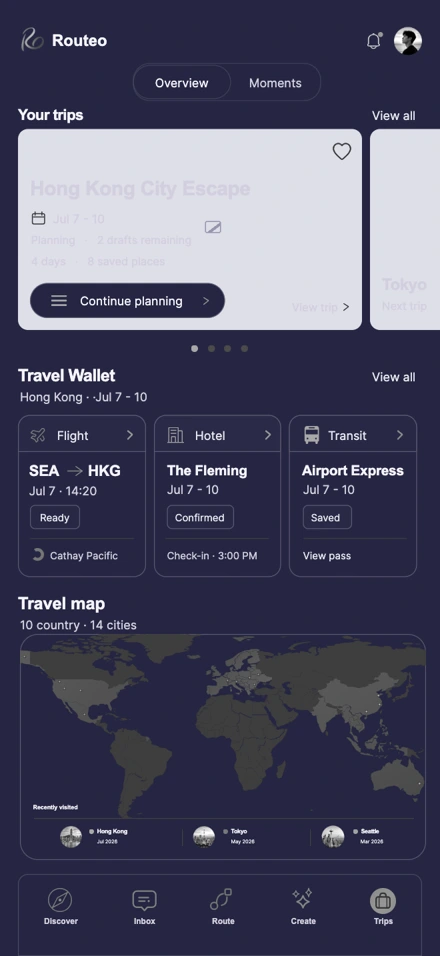
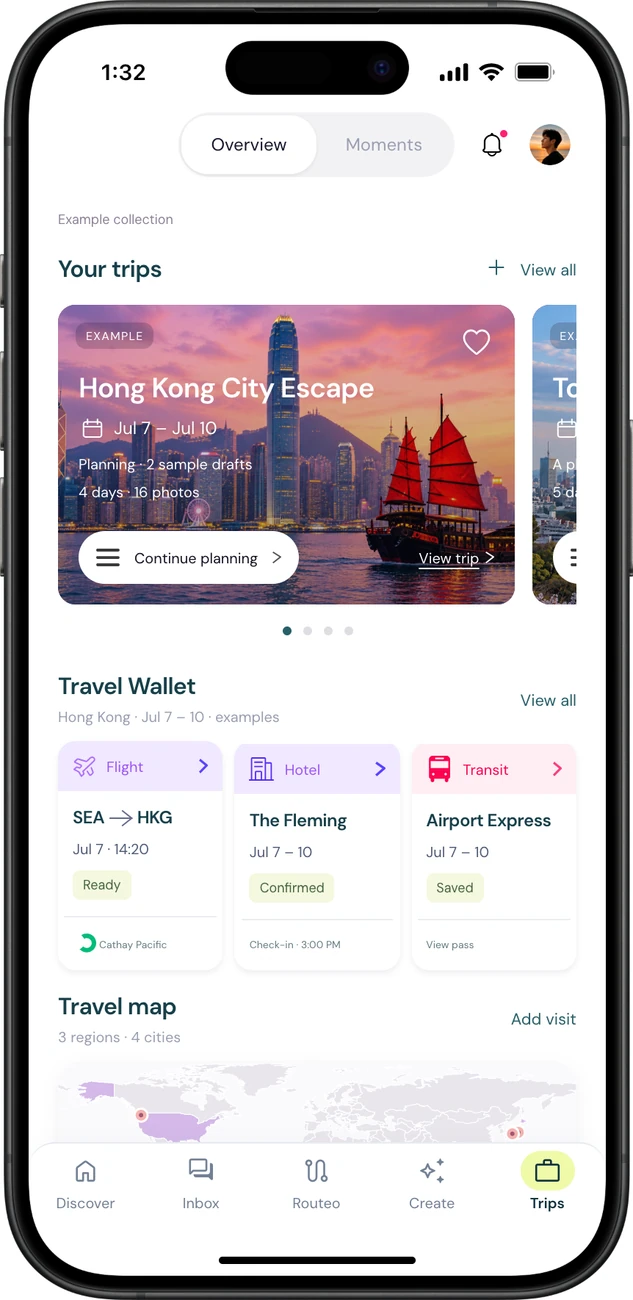
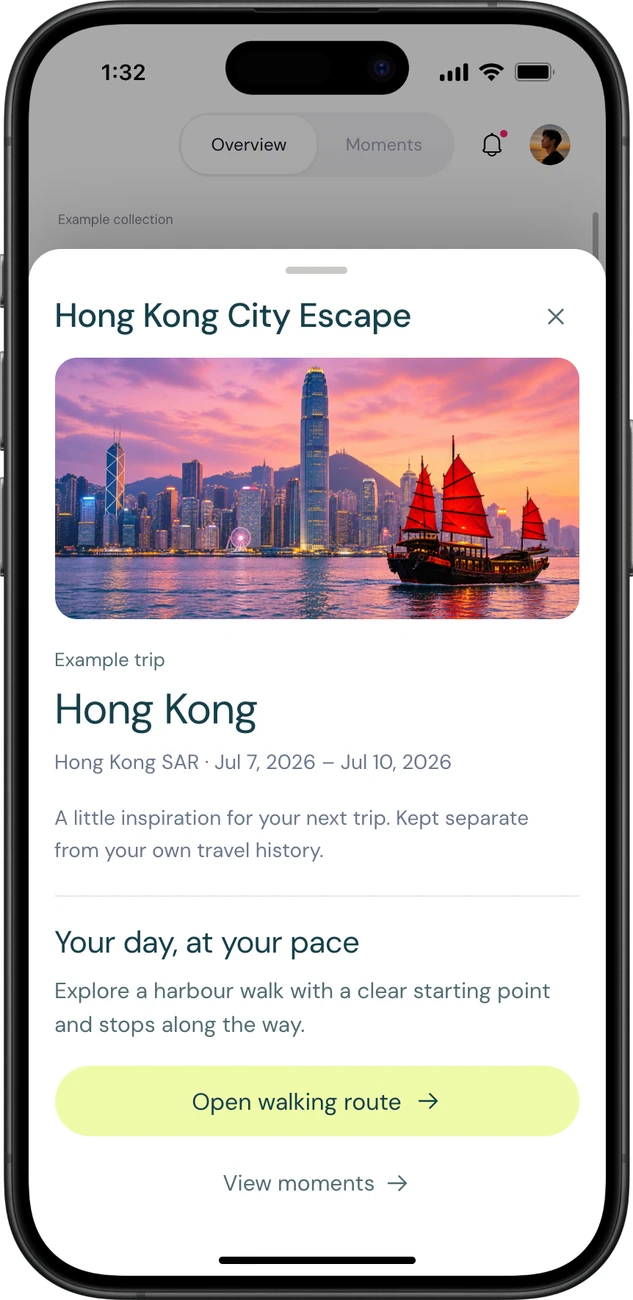
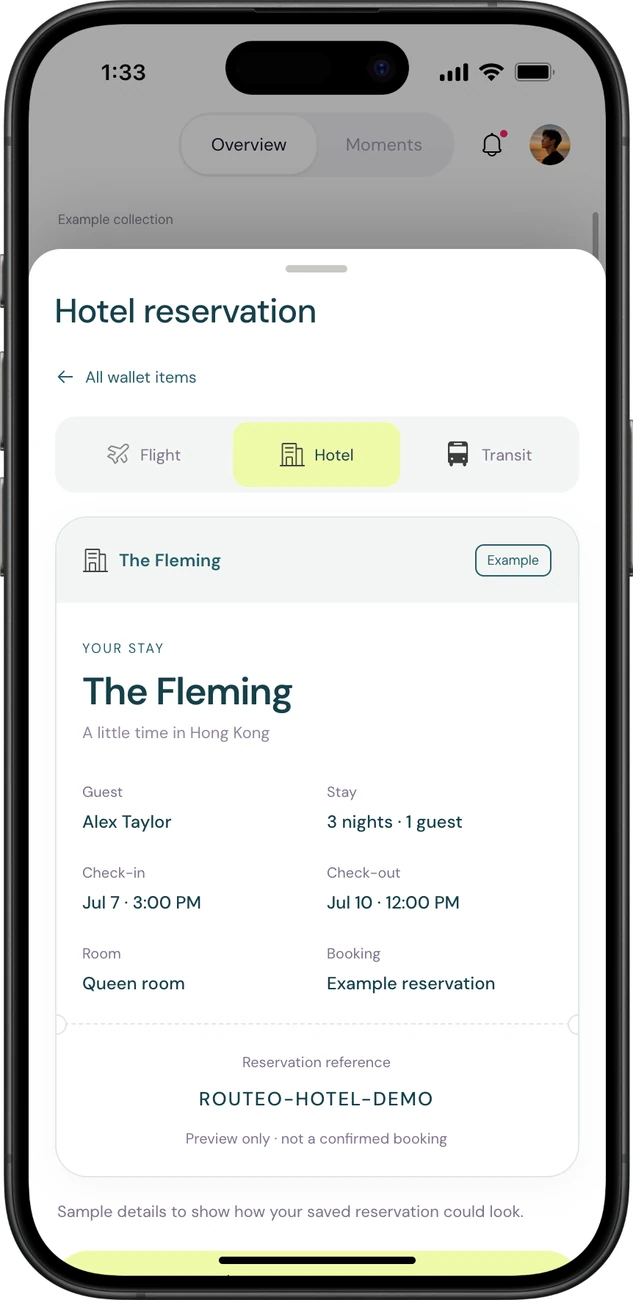
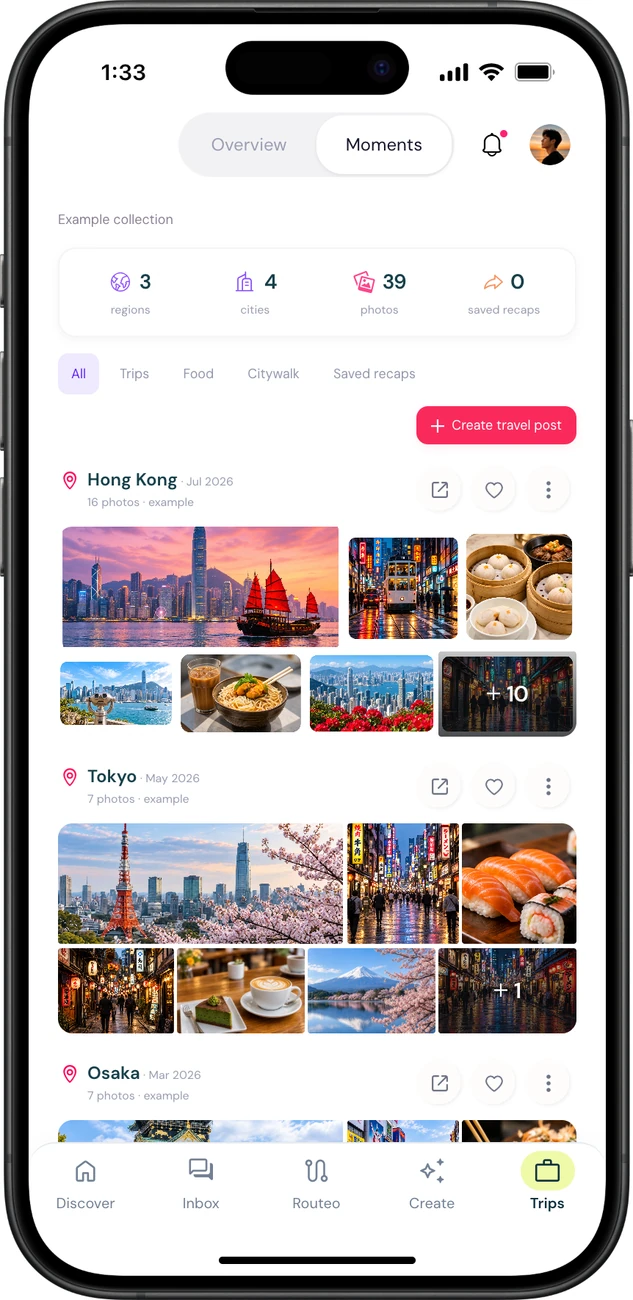
  6. Open TripsReturn to the next trip, travel wallet and recently visited cities from the Trips overview.
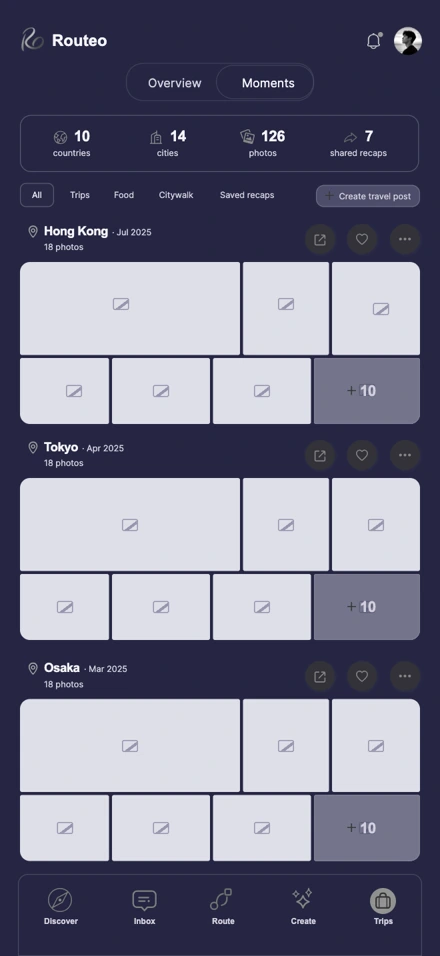
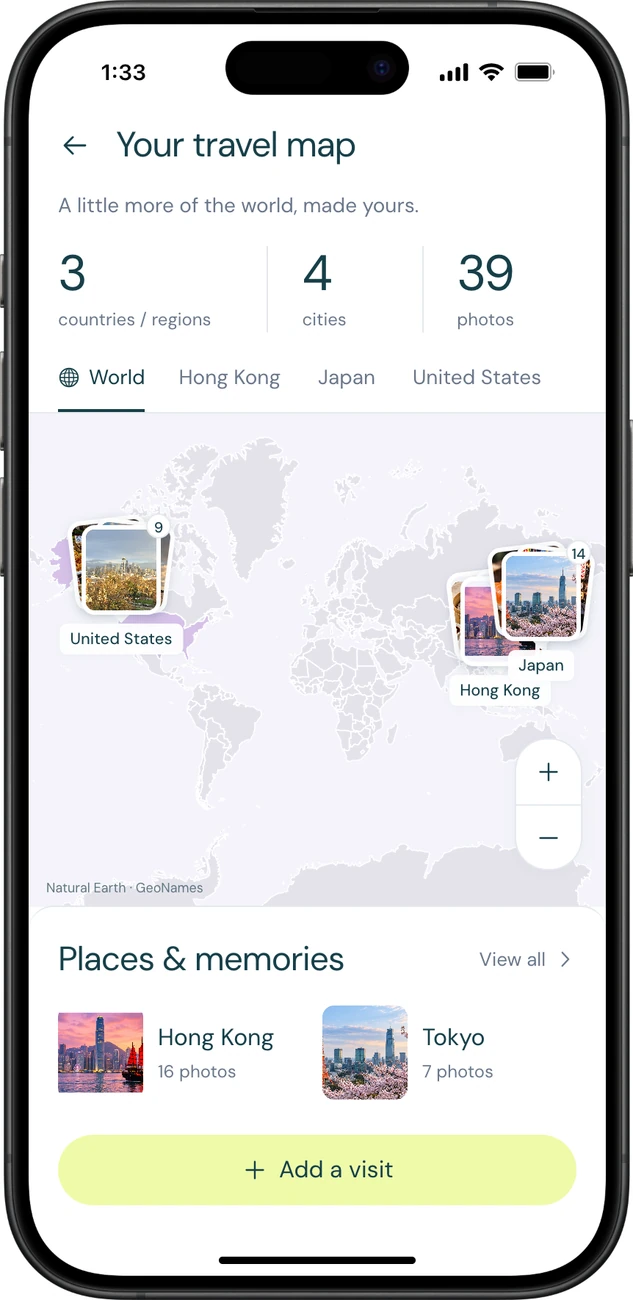
  7. Revisit momentsBrowse destination photo collections, filter food and city walks, or create a travel post from a recap.

An afternoon by the harbour.

A traveller finds a café for an afternoon in Central. With one tap, it fits between a visit to Tai Kwun and a walk along the waterfront.

A traveller smiles at her phone as she walks along a sunlit cobblestone street.

Add a stop

Harbour café

Central, Hong Kong

Your afternoon

Central · 3 stops

  1. Tai Kwun
  2. Harbour café
  3. Waterfront walk

Saved to Trips

Your afternoon in Central

3 stops14:00 – 17:00

A little more of your world.

Discover a walk, tune it with Routeo AI, and keep the details in Trips. Your itinerary, travel wallet and photo collections stay together.
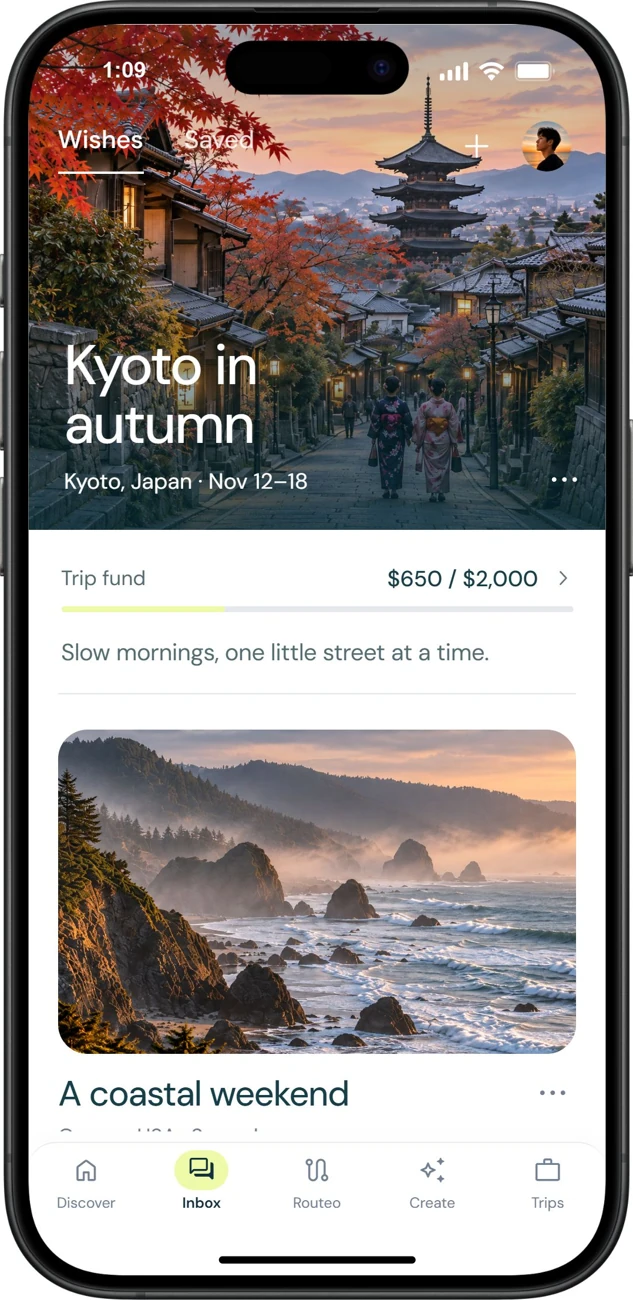
A familiar face.
Wherever you go.

SKYLO is Routeo’s travel companion. A coin marks progress toward a trip, and each destination has a stamp to collect.

Routeo’s gold travel fund coin with four compass marks. $25
SKYLO beneath cherry blossoms beside a Kyoto pagoda.
Kyoto 京都

The Routeo design system.

See how Routeo’s spacing, colour and typography come together in a day’s itinerary, from a single stop to a complete route.

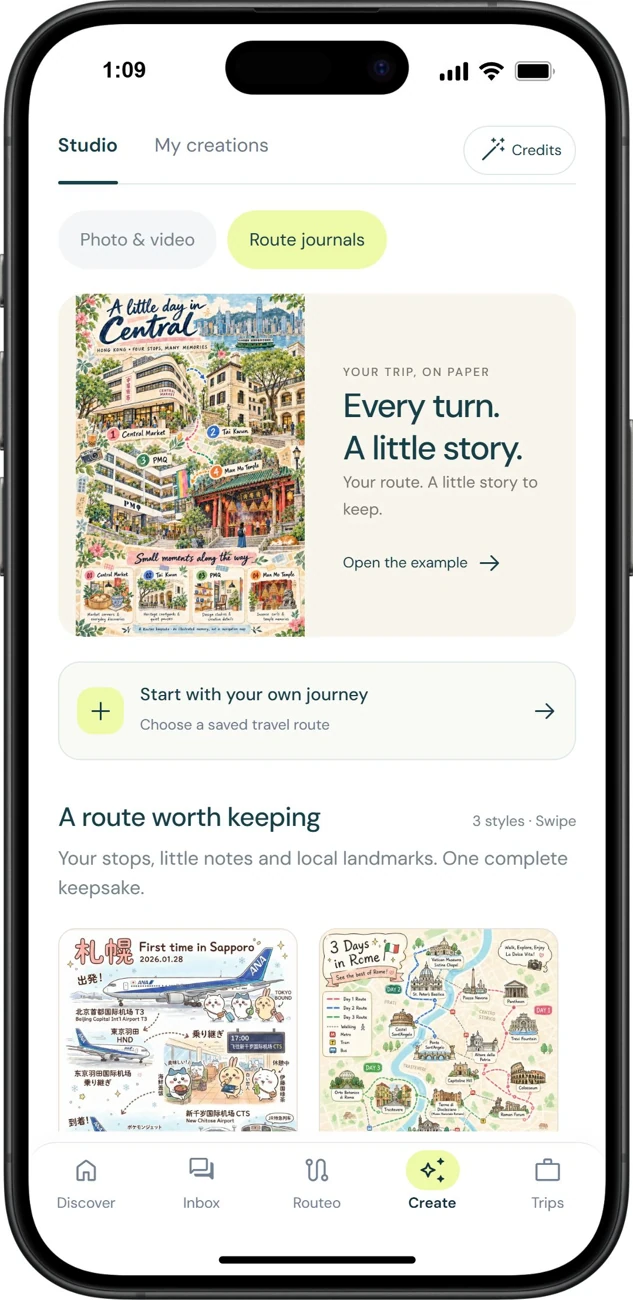
A day in Central, on paper.

Routeo’s Create studio turns four stops in Central into an illustrated journal page. Print it, tuck it beside a ferry ticket, and leave a little room for your own notes.

A little day in Central, a full illustrated map and journal.

Take Routeo for a little trip.

Explore a route and shape a day in the working prototype.

Open the interactive app
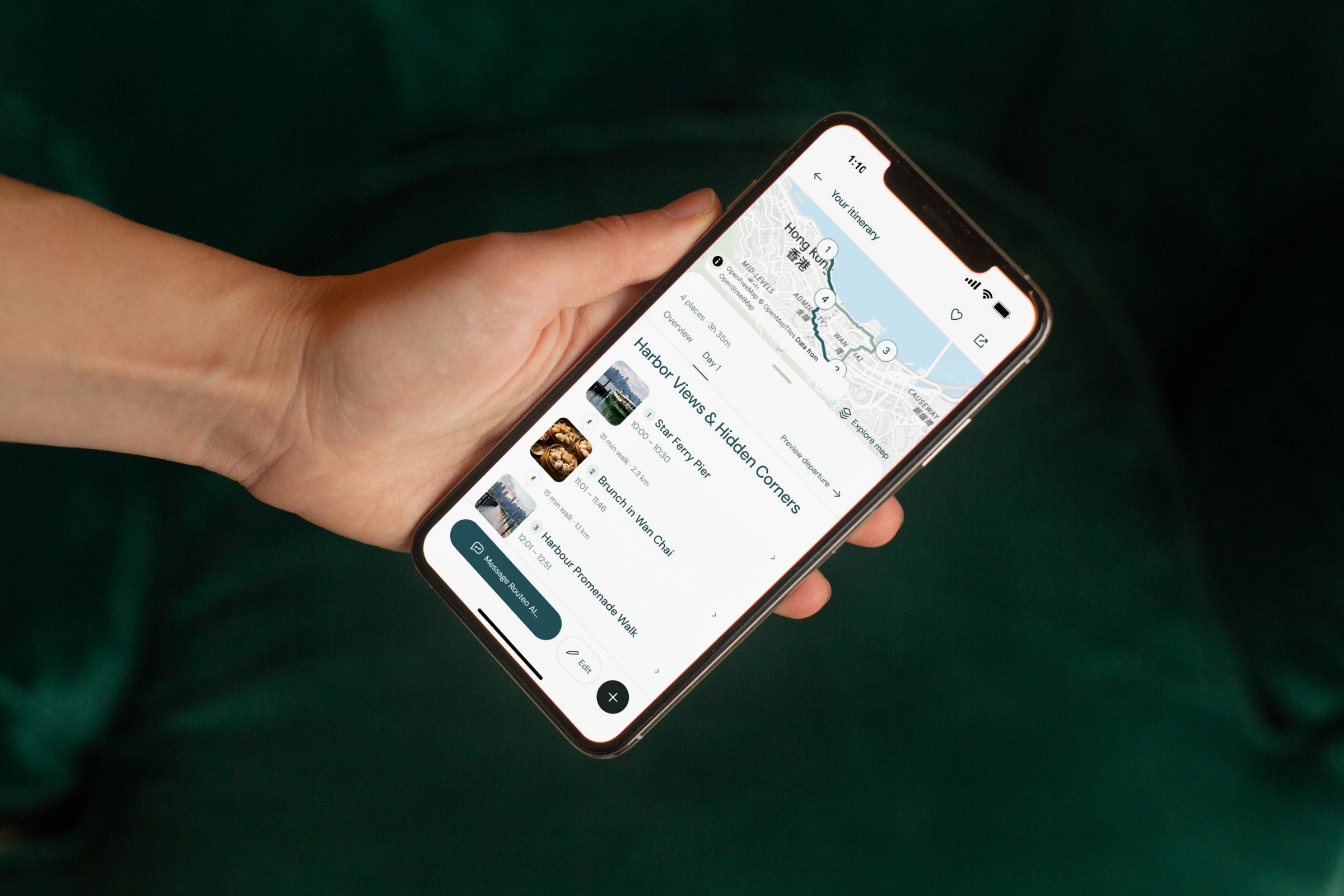
A traveller holds a phone showing Routeo’s Hong Kong harbour itinerary, with the route map and day’s stops.
Explore more workSelected projects Back to top